

Integrations
Cal.com
Automatic meeting scheduling via Cal.com.
The Cal.com integration allows the agent to schedule, reschedule or check meeting slots during a call.
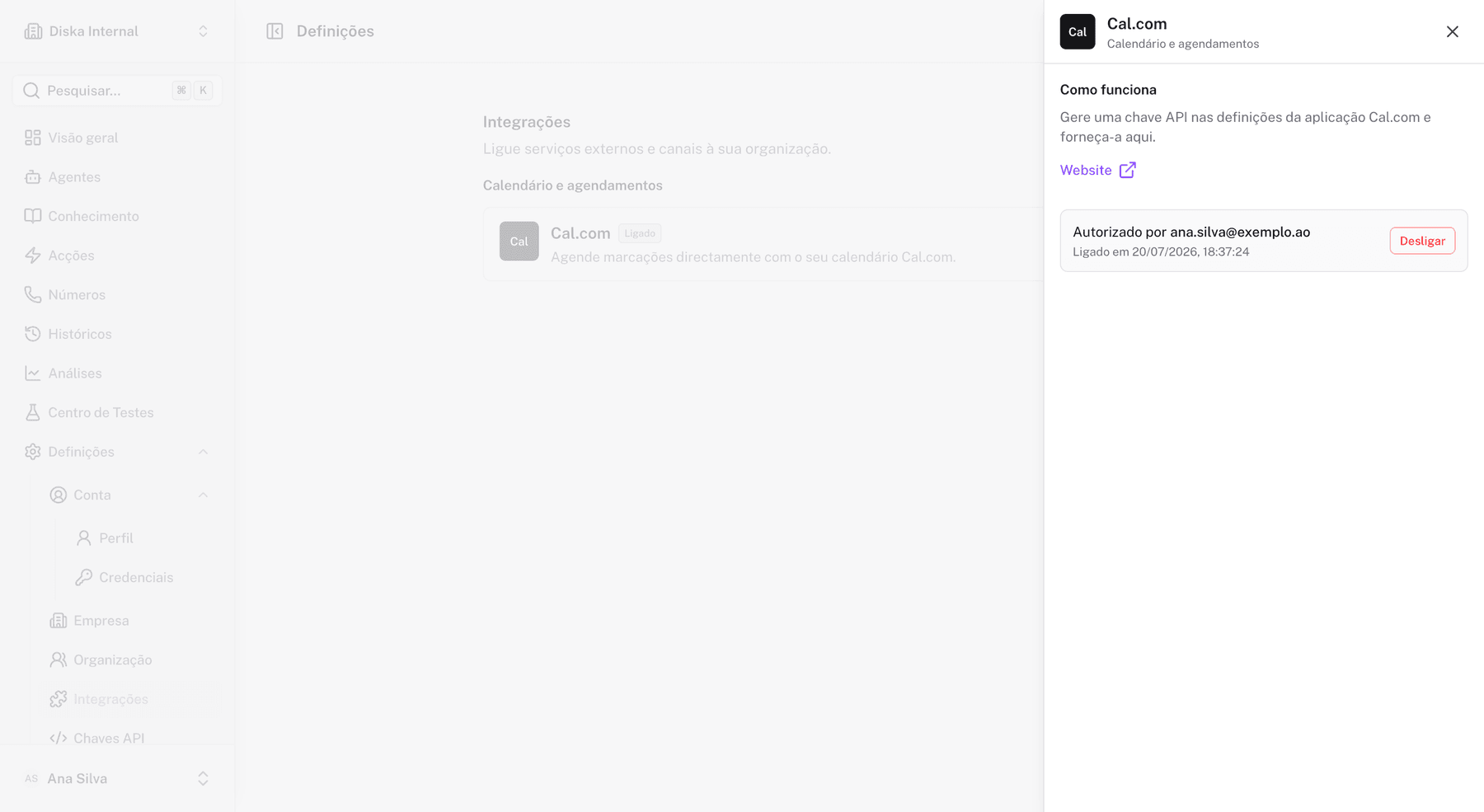
Connecting
- Go to Settings > Integrations > Cal.com.
- Enter your Cal.com API key.
- Confirm the connection.
The API key is sent securely and stored on the server — it never stays in the browser.
Events
After connecting, the available event types are listed automatically. You choose which event to use in the Flow Builder scheduling node.
Booking node
In the Flow Builder, the booking node uses the Cal.com integration. See Booking node.
Disconnecting
Use Disconnect in the UI or send DELETE /api/v1/integrations/calcom.