

Settings
Members
Invites, roles and member management.
The Members section manages who has access to the organization.
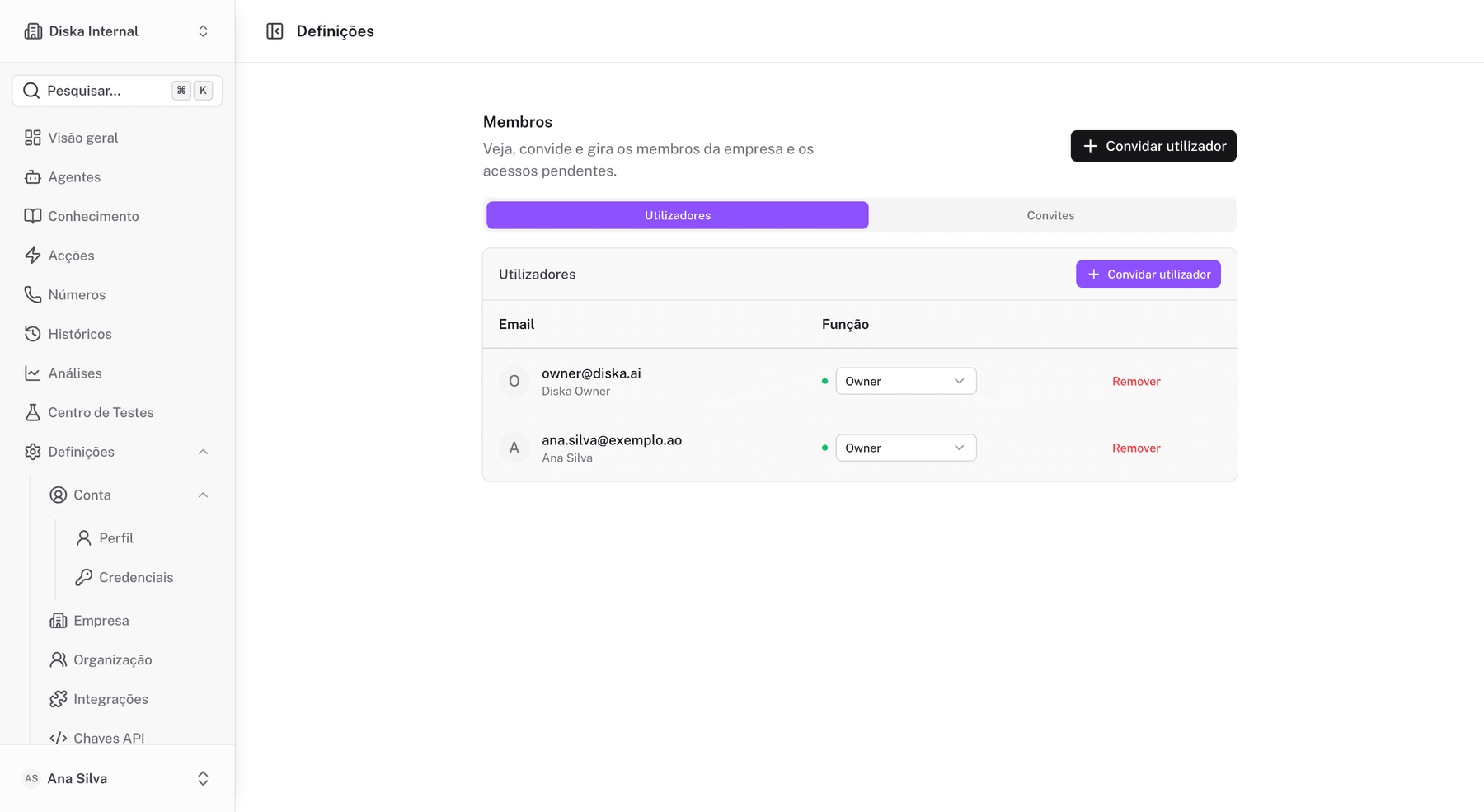
Roles
- Owner (
owner): full control, including deleting the organization. - Admin (
admin): manages members, settings, API keys and deletions. - Membro (
editor): creates, edits and publishes agents, flows and knowledge. - Visualizador (
viewer): read-only plus testing, no changes.
Invites
- Enter the new member's email.
- Select the role.
- Send the invite.
The recipient receives an invite link by email; opening it shows the organization name and assigned role before accepting.
Managing members
- change role;
- suspend/activate;
- remove.